Deploying Any Portfolio Website using GitHub Actions on AWS...
In this blog, We are Deploying Any Portfolio Website using GitHub Actions on AWS... Please follow the simple steps.
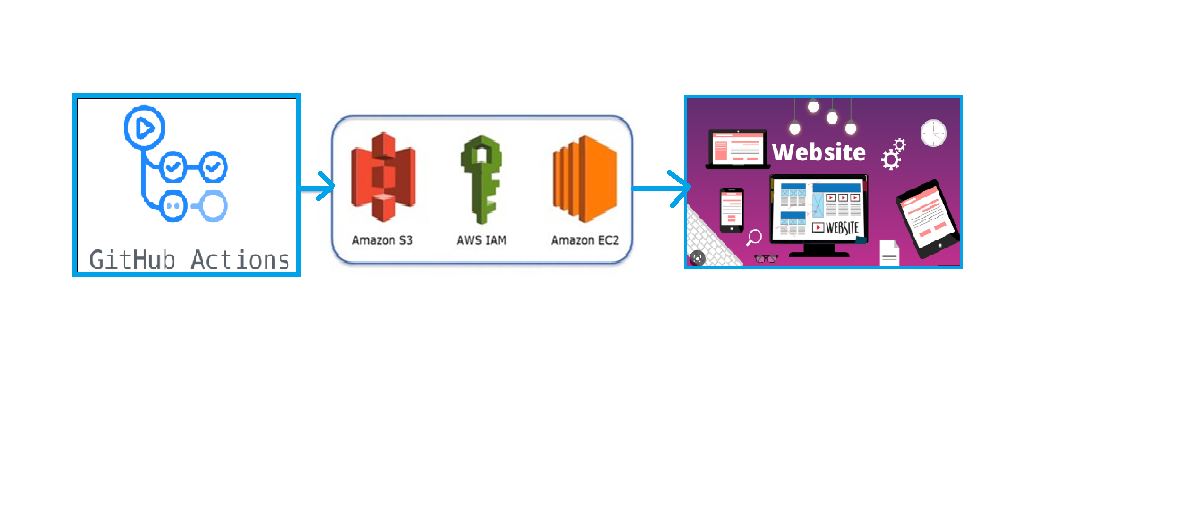
GitHub Account
. Create one repo.
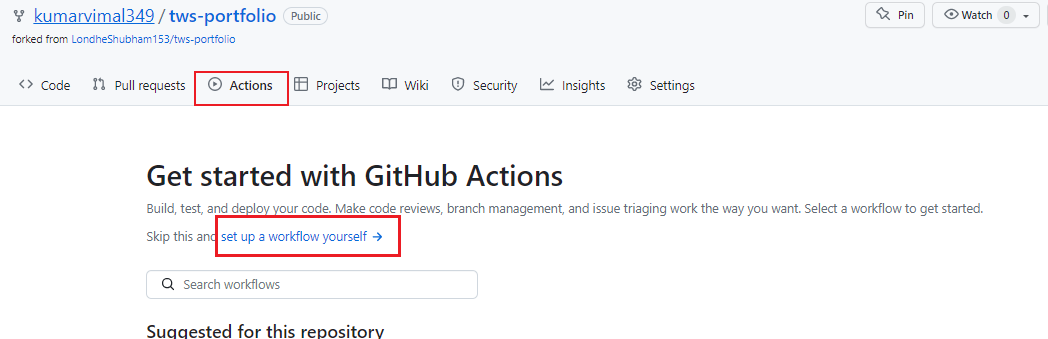
- Copy and paste code in main.yml
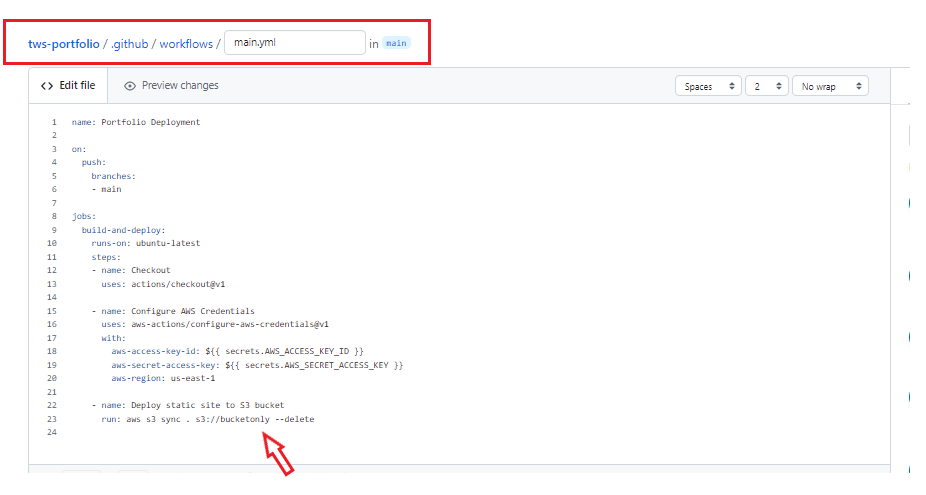
name: Portfolio Deployment on: push: branches: - main jobs: build-and-deploy: runs-on: ubuntu-latest steps: - name: Checkout uses: actions/checkout@v1 - name: Configure AWS Credentials uses: aws-actions/configure-aws-credentials@v1 with: aws-access-key-id: ${{ secrets.AWS_ACCESS_KEY_ID }} aws-secret-access-key: ${{ secrets.AWS_SECRET_ACCESS_KEY }} aws-region: us-east-1 - name: Deploy static site to S3 bucket run: aws s3 sync . s3://bucketonly --delete
2. Aws Account
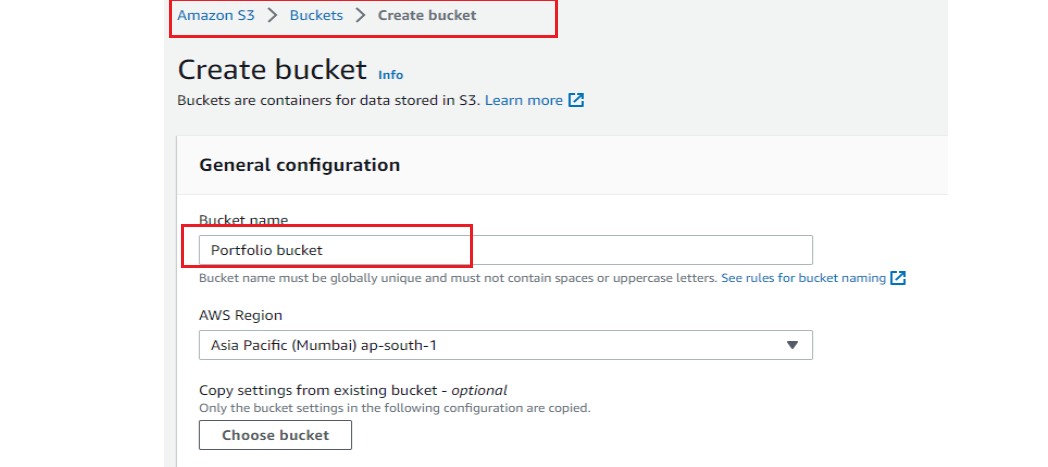
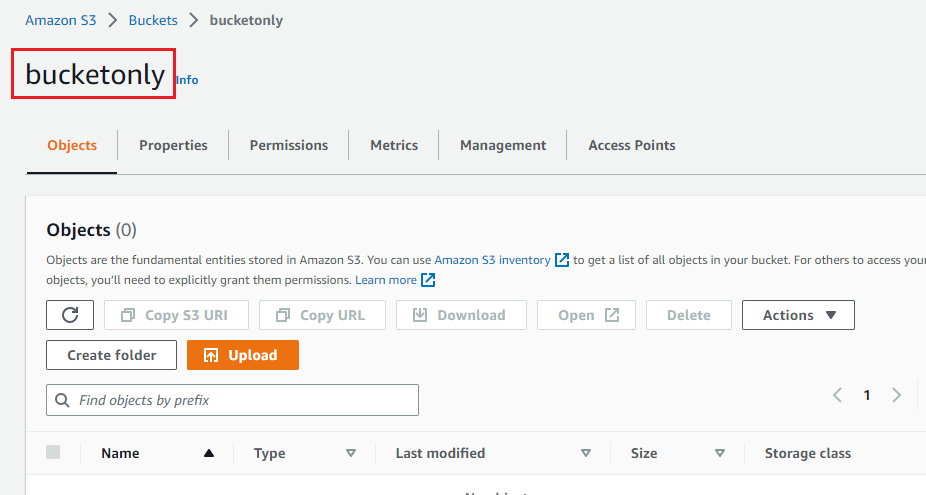
. Create S3 bucket in AWS.
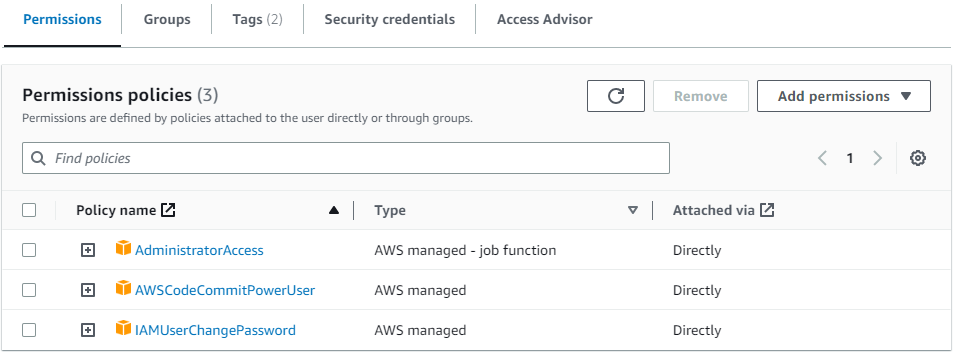
Then Go to IAM to create User and give permission .
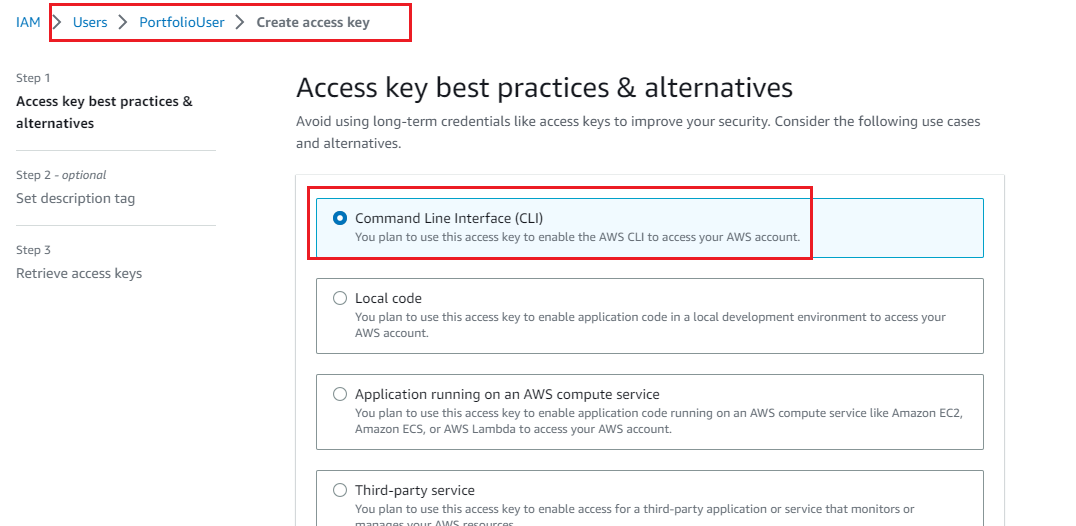
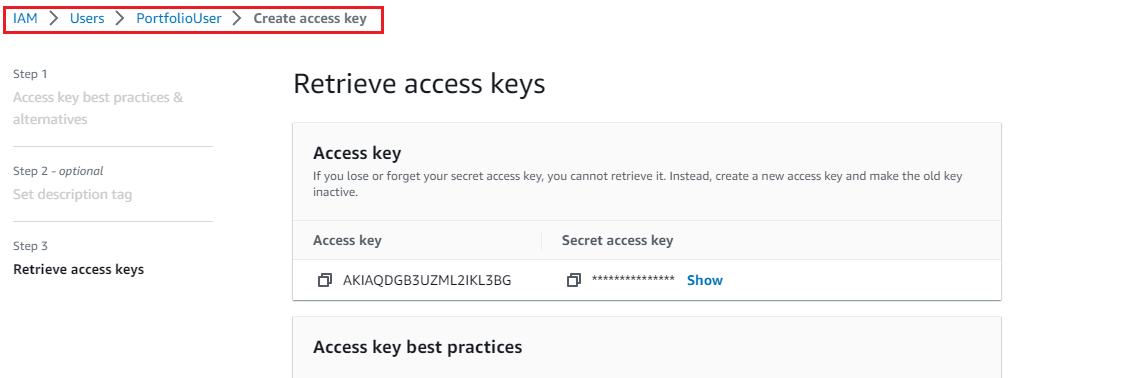
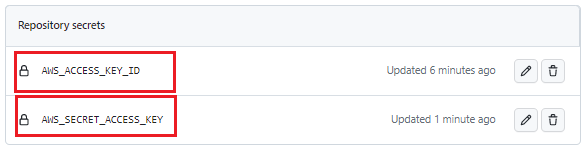
Copy Secret keys and paste in github repo's setting
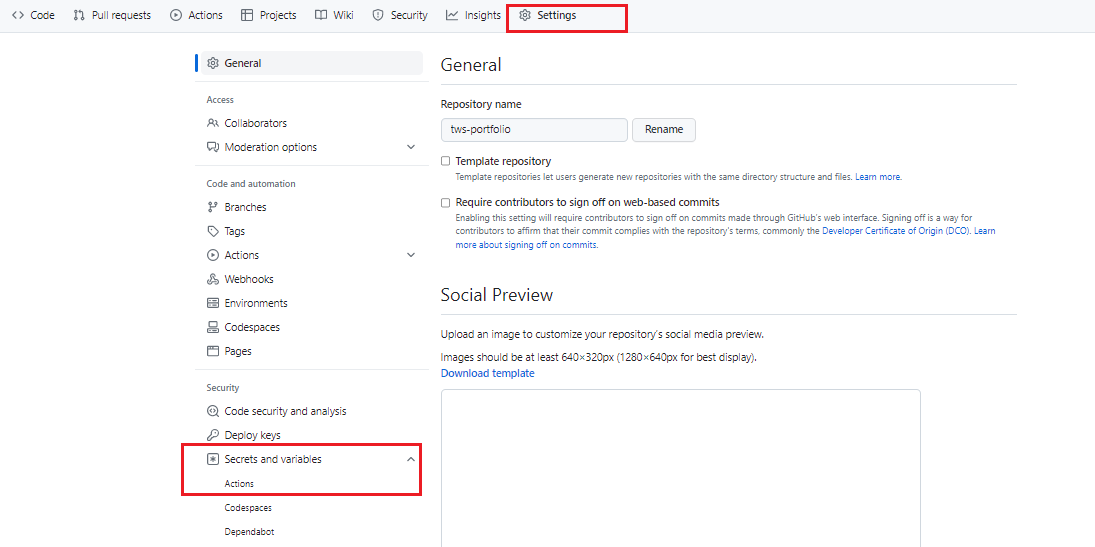
Add secret key and Id here
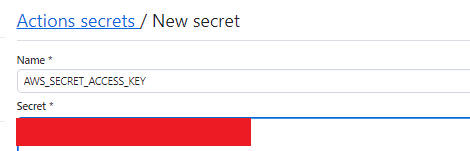
see sample snapshot:-
Copy name of bucket and paste in main.yml
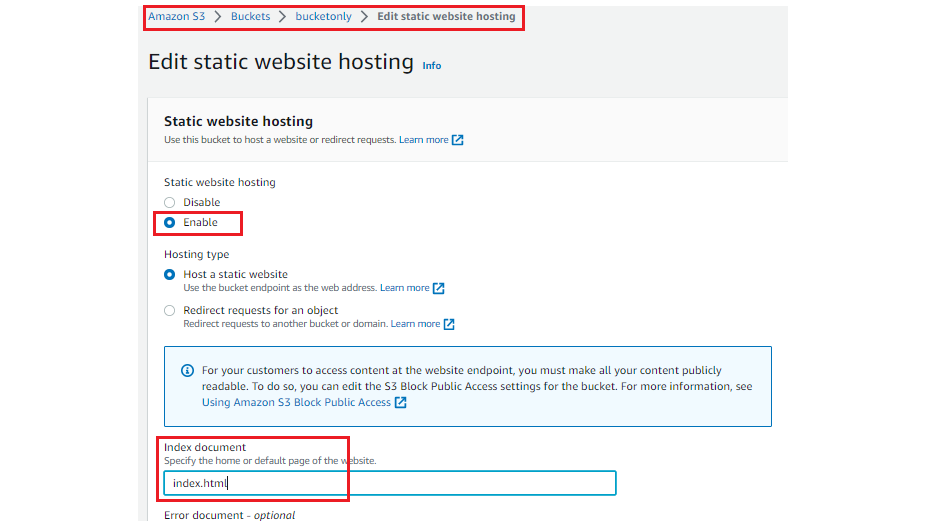
Just enable static website in s3
When you hit this URL and got error :-403 Forbidden.
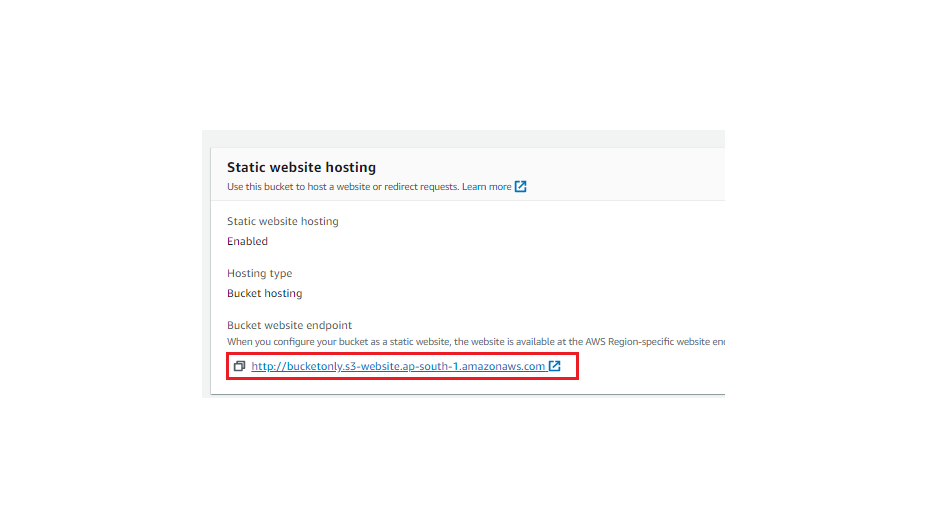
Its means you need to give bucket's policy permision in s3 .
{ "Version": "2012-10-17", "Statement": [ { "Sid": "PublicReadGetObject", "Principal": "", "Effect": "Allow", "Action":"s3:GetObject", "Resource": "arn:aws:s3:::bucketonly/*" } ] }
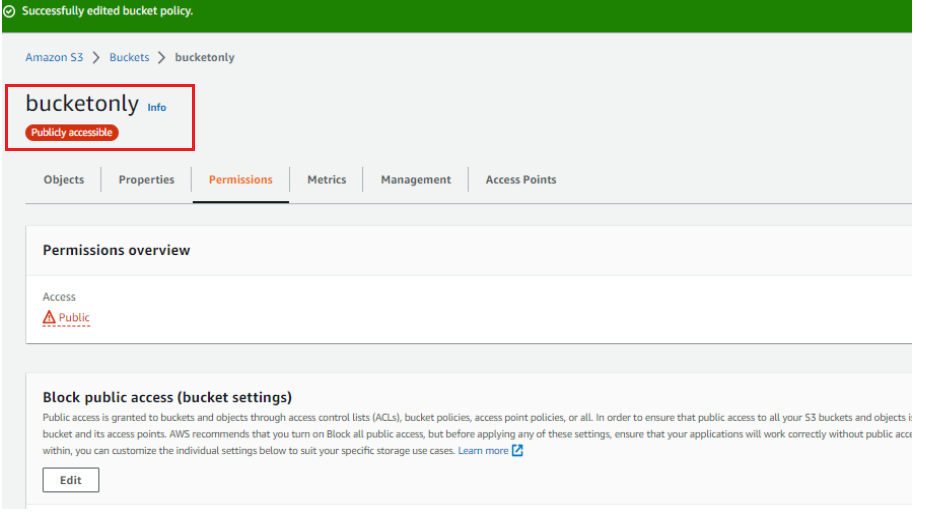
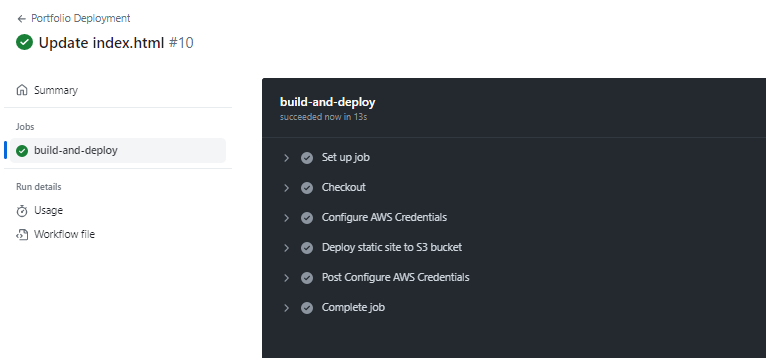
Successfully All job completed...
Comments
Join the discussionNo comments yet. Be the first to comment.


